Industries Salons & Barbershops

MORE ATTENTION FOR THE CLIENT IN YOUR CHAIR

AI Automation for Salons & Barbershops

Help your team manage customer enquiries and appointment requests while they focus on serving clients.

Answer routine questions, capture useful details and give customers a clear next step — with your staff in control.

Built around your services, booking process and customer care.

A helpful first response

ILLUSTRATIVE SALON CONVERSATION

CUSTOMER

Could I book a haircut tomorrow?

AI RECEPTIONIST

Of course. What time would suit you best?

Appointment enquiry → Your agreed next step

Illustrative example. No availability is checked or booking made.

THE REALITY OF A BUSY DAY

Busy Serving Clients? Customer Enquiries Still Need Attention

The phone rings mid-service

Calls arrive while you’re cutting hair or providing a treatment.

The same questions come up

Customers need prices, service details and opening hours — and staff repeat the answers.

Requests arrive everywhere

Appointment enquiries are spread across calls, your website and messages.

The salon closes. Enquiries don’t.

Customers may get in touch after your team has finished for the day.

Plans change

Customers need to move or cancel an appointment.

Follow-up gets harder to track

An enquiry needs attention, but the team is already busy with the next client.

Customer communication can become difficult to manage when your team is busy with appointments.

PRACTICAL SUPPORT FOR CUSTOMER COMMUNICATION

A Smarter Way to Handle Customer Enquiries

Configure the routine interactions around your salon or barbershop, with a clear route to the team when needed.

Answer Common Questions

Share approved information about services, prices, opening hours and your location.

Handle Appointment Enquiries

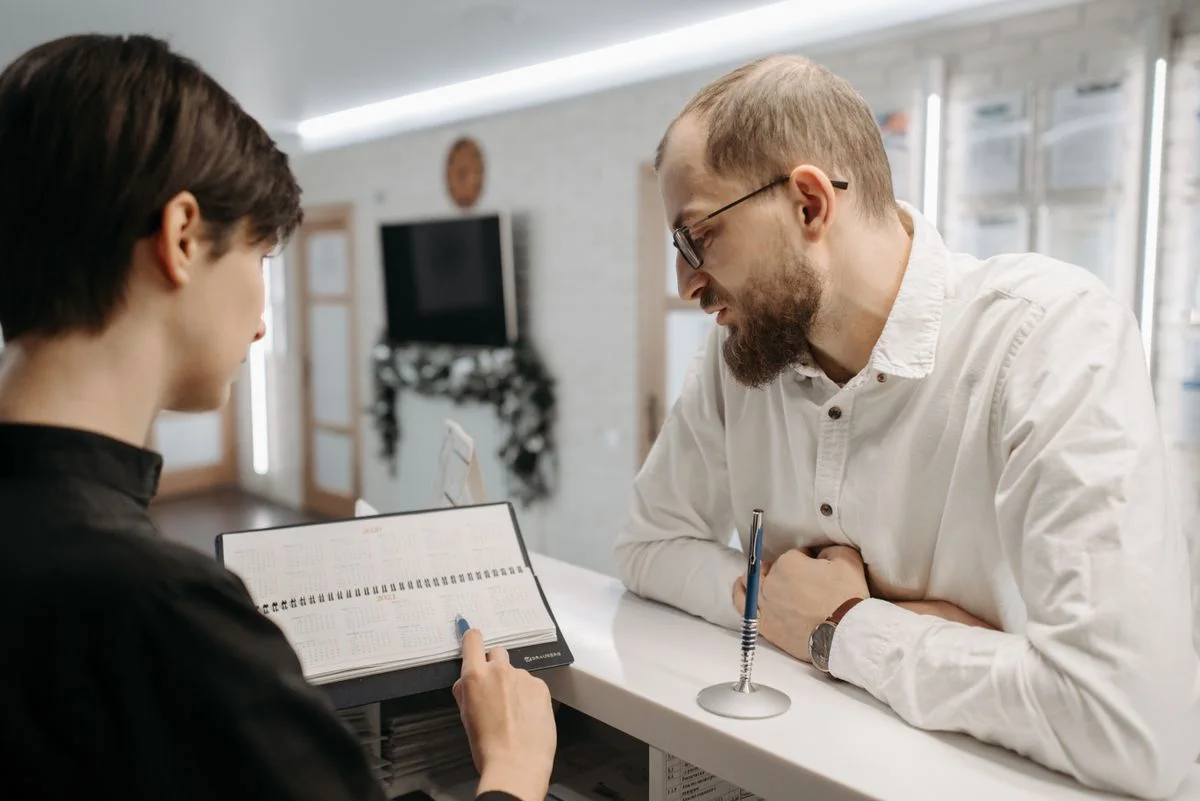
Collect the customer’s preferred service, date and time.

Capture Potential Customers

Record relevant contact details and the reason for the enquiry.

Manage Routine Messages

Respond to suitable enquiries across your connected channels.

Support Appointment Changes

Support booking, rescheduling or cancellation where a compatible system allows it.

Escalate to Staff

Pass complex requests, concerns and questions needing judgement to a person.

An appointment request is not a confirmed booking. Availability checks and booking changes need a compatible integration. Confirmations follow only after the connected system accepts the action.

FROM THE FIRST QUESTION TO THE NEXT STEP

See How an AI Receptionist Can Help Your Salon

Follow an illustrative customer conversation. The right action depends on your booking process, connected systems and team.

A haircut enquiry

EXAMPLE CONVERSATION

CUSTOMER

Hi, do you have any appointments available for a haircut tomorrow?

AI RECEPTIONIST

I’d be happy to help. Are you looking for a haircut or another service?

CUSTOMER

A haircut, please.

AI RECEPTIONIST

Of course. What time would suit you best?

CUSTOMER

Around 3 PM.

AI RECEPTIONIST

I’ll check the available appointments and help you with the next step.

Scripted example. No availability check, booking or enquiry submission takes place.

ILLUSTRATIVE ENQUIRY RECORD

A clear request.
A sensible next step.

Service

Haircut

Preferred day

Tomorrow

Preferred time

Around 3 PM

Staff review needed

This demonstration prepares a request for staff. It does not check a calendar or confirm an appointment.

01

Customer Enquiry

A customer gets in touch.

02

AI Understands the Request

Identifies the service and preferred time.

03

Checks Information or Availability

Uses approved information or a supported connection.

04

Books or Collects the Request

The next action depends on the configured setup.

05

Confirms or Refers to Staff

Confirm only after success; otherwise route the request.

START WHERE YOUR CUSTOMERS ALREADY CONTACT YOU

Support Customers Across Your Communication Channels

Begin with one suitable channel and expand when it makes sense. Each connection and workflow is agreed for your setup.

Phone Calls

Help answer incoming calls and handle routine questions.

Website Chat

Help visitors find service information and submit enquiries.

WhatsApp

Support customer conversations and collect appointment requests.

Instagram

Respond to supported DMs and capture social enquiries.

Channels are scoped individually. They are not automatically included together in one package.

Your menu, your booking rules and your way of helping clients.

CONFIGURED AROUND YOUR BUSINESS

Automation That Fits the Way Your Business Works

Your assistant should use approved information and follow your rules. It should not invent prices, availability or policies.

Services and treatment menus
Haircut, styling and grooming services
Approved prices and service descriptions
Opening hours and location
Appointment duration and availability rules
Staff or service preferences, where supported
Frequently asked questions
Contact details and enquiry requirements
Situations that require staff involvement
Your preferred communication style

HUMAN HANDOFF IS PART OF THE DESIGN

Keep Your Team in Control

Check whether your existing booking platform supports the required integration.
Send appointment requests to staff when direct booking is unavailable.
Pass complex questions and complaints to a person.
Notify the team when an enquiry needs attention, through the agreed route.
Retain your existing booking process where appropriate.

We confirm your software and integration requirements before quoting. Compatibility with every booking platform is not assumed.

WITHOUT DIRECT BOOKING

Collect the request. Keep your team in the loop.

The assistant gathers the service, preferred time and relevant contact details. Staff use your existing booking process to review availability and confirm the next step.

01

Collect enquiry

02

Notify the team

03

Staff review and confirm

A customer can be referred to your team whenever the request needs personal attention.

WITH A SUPPORTED CONNECTION

Check the system. Confirm only after success.

Where a compatible booking connection is configured, the assistant can check availability and attempt an allowed action. It should confirm only after the system accepts the booking; otherwise it follows the agreed fallback.

01

Check availability

02

Attempt the permitted action

03

Confirm success or refer to staff

A customer can be referred to your team whenever the request needs personal attention.

Illustrative routes. No booking system is connected to this demonstration.

EXAMPLES FROM YOUR WORKING DAY

Useful Automation for Everyday Salon Operations

Use your most frequent enquiries as the starting point. These examples show possible workflows, subject to the agreed setup.

For Salons

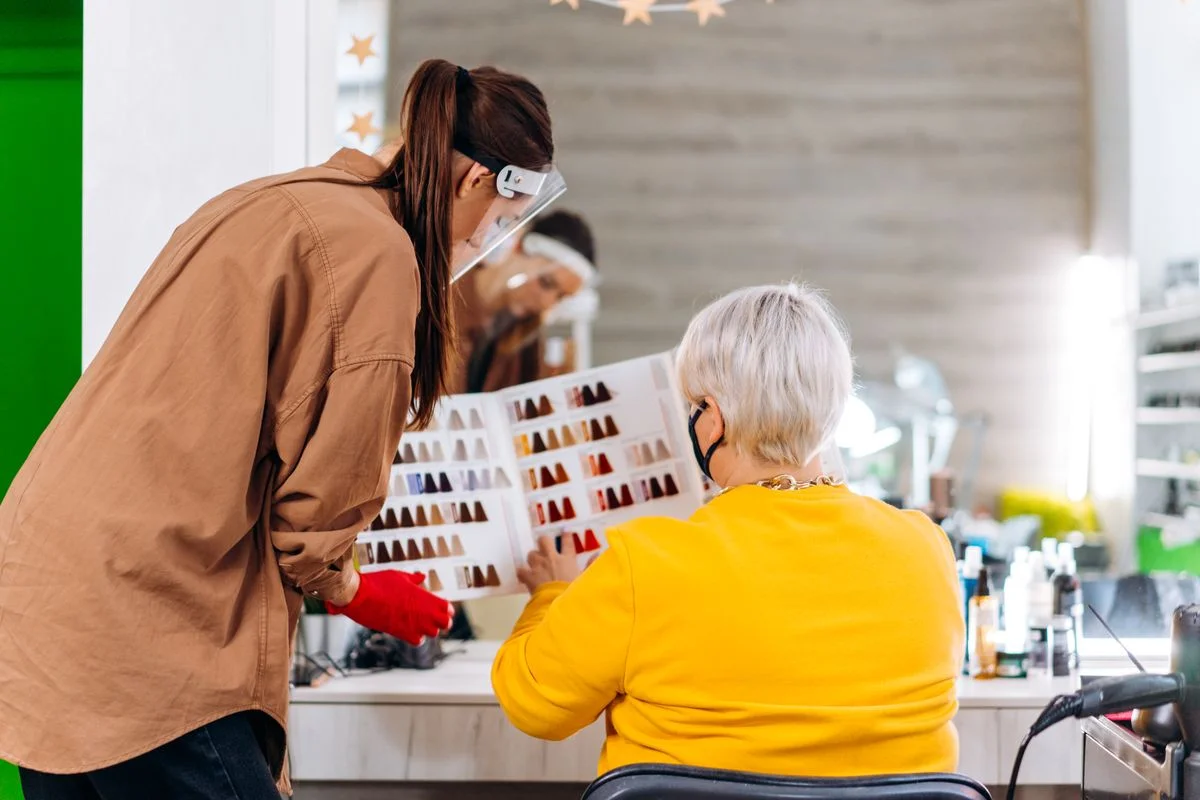
Questions about hair colouring, styling and treatments
Enquiries about service prices
Appointment requests for different treatments
Questions about opening hours and location
Follow-up requests that need staff attention

Potential workflows to discuss and test for your business.

For Barbershops

Haircut and beard-trimming enquiries
Questions about prices and opening hours
Appointment requests during busy periods
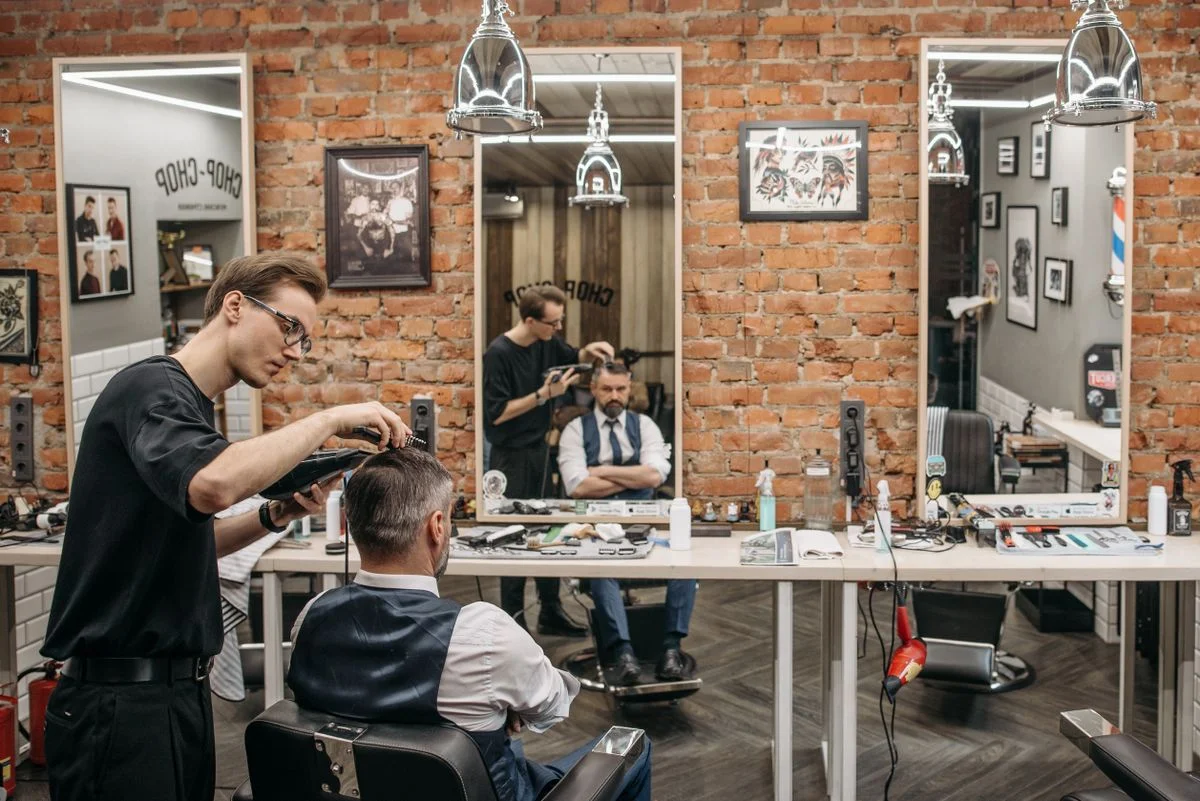
Customer enquiries while the barber is serving someone
Requests to change an existing appointment

Potential workflows to discuss and test for your business.

SUPPORT THE TEAM. PROTECT THE PERSONAL SERVICE.

Spend Less Time on Repetitive Enquiries

The aim is to make routine communication easier to manage, so your staff can give clients the personal attention they value.

More consistent answers to routine questions
A clearer process for capturing new enquiries
Fewer routine interruptions during client appointments
Better organisation of appointment requests
Support outside staff availability, where configured
A more consistent experience across connected channels

These are potential benefits to evaluate against your current workflow, not claimed results from a client deployment.

A FOCUSED IMPLEMENTATION, STEP BY STEP

From Your First Conversation to a Working System

Start with a defined customer need and a process your team can understand and manage.

01

Understand Your Business

Learn about your services, customer questions, appointment process and tools.

02

Choose the Right Workflow

Identify what to automate and what should remain with staff.

03

Configure the Assistant

Prepare approved information, conversation rules, handoff paths and selected channels.

04

Test Real Scenarios

Check prices, service questions, appointment requests, missing information and handoff.

05

Launch and Improve

Launch the agreed workflow and review it according to your support arrangement.

Monitoring, maintenance and ongoing optimisation are provided where included in the agreed service scope.

CHOOSE THE CHANNEL AND WORKFLOW THAT FIT

Choose the Right AI Service for Your Business

Focus on the communication challenge that matters most to your salon or barbershop.

AI Customer Receptionist

Coordinate customer communication across multiple supported channels.

AI Voice Receptionist

Handle incoming phone enquiries and supported call workflows.

AI Website Chat

Help website visitors find information and submit enquiries.

AI WhatsApp & Instagram Automation

Manage supported messaging workflows and capture enquiries from social channels.

PRACTICAL QUESTIONS, CLEAR ANSWERS

Salon & Barbershop AI Automation FAQs

Understand what can be configured and what depends on your existing process.

Can an AI receptionist answer calls for my salon?

It can be configured to handle supported incoming calls, answer approved questions and collect enquiries. Exact capabilities depend on the voice platform and setup.

Can it book appointments automatically?

Yes, when the configured system can access a compatible booking platform or calendar and has permission to complete bookings. Otherwise, it can collect appointment requests for staff. A booking is confirmed only after the connected system accepts it.

Can it answer questions about prices and services?

Yes, when accurate service and pricing information has been provided and configured. The assistant should refer missing or uncertain information to your team rather than inventing an answer.

Can I use it with my existing booking software?

Possibly. Compatibility depends on the booking platform, available integrations and the required workflow. We check these requirements before agreeing the scope.

Can it handle WhatsApp and Instagram enquiries?

Supported workflows can be configured using the relevant business messaging integrations and account permissions. Each channel is scoped for your setup.

Will I still be able to speak to customers myself?

Yes. The workflow can include escalation to staff for complex questions, complaints or requests that require personal attention.

Is it suitable for a small barbershop?

It may be useful if the business receives regular calls or messages while staff are serving customers. The appropriate setup depends on enquiry volume, budget and workflow needs.

How much does AI automation cost for a salon?

Pricing depends on the selected channels, usage, integrations, workflow complexity and ongoing support. We provide a quote based on your actual requirements.

Can I start with only one service?

Yes. A salon can start with one suitable channel or workflow and expand later if needed.

Does AI replace salon staff?

The intended role is to support routine communication and administrative tasks while staff remain responsible for personal service and situations requiring human judgement.

LET’S START WITH YOUR CUSTOMER WORKFLOW

Make Customer Enquiries
Easier to Manage

Explore how AI automation could help your salon or barbershop handle customer questions, organise appointment enquiries and support your team during busy periods.